Table Of Content
How Do I Use Search Live to Identify the Signs Showing on My Car Dashboard?
Remember when cars only had a handful of warning lights to worry about? Those days are long gone. Today’s dashboards feel more like something out of a cockpit, with screens, icons, and alerts everywhere. Most of it’s designed to be pretty intuitive, sure — but let’s be honest, when a weird little symbol suddenly lights up that you’ve never seen before, it’s easy to feel a bit lost.
So if you’ve ever found yourself squinting at your dashboard wondering “what on earth is that supposed to mean?” — you’re definitely not alone. The good news is, figuring it out doesn’t have to involve digging through a 300-page manual. Here’s everything you need to know.
Where Do These Warning Symbols Actually Show Up?
Pretty much anywhere these days. You might spot one on the instrument cluster right behind your steering wheel, on the touchscreen in the middle of your dash, projected onto your windshield through a head-up display, or on those newer strip-style screens some cars now have along the bottom of the windscreen.
And because a lot of these warnings pop up so rarely, you probably won’t recognize them the moment they appear. Yes, technically, every single icon is explained somewhere in your owner’s manual. But let’s face it — who actually reads that thing front to back? And even if you did, good luck remembering what every icon means months or years later.
Luckily, you’ve got much easier options.
How to Use Search Live to Identify the Signs on Your Dashboard
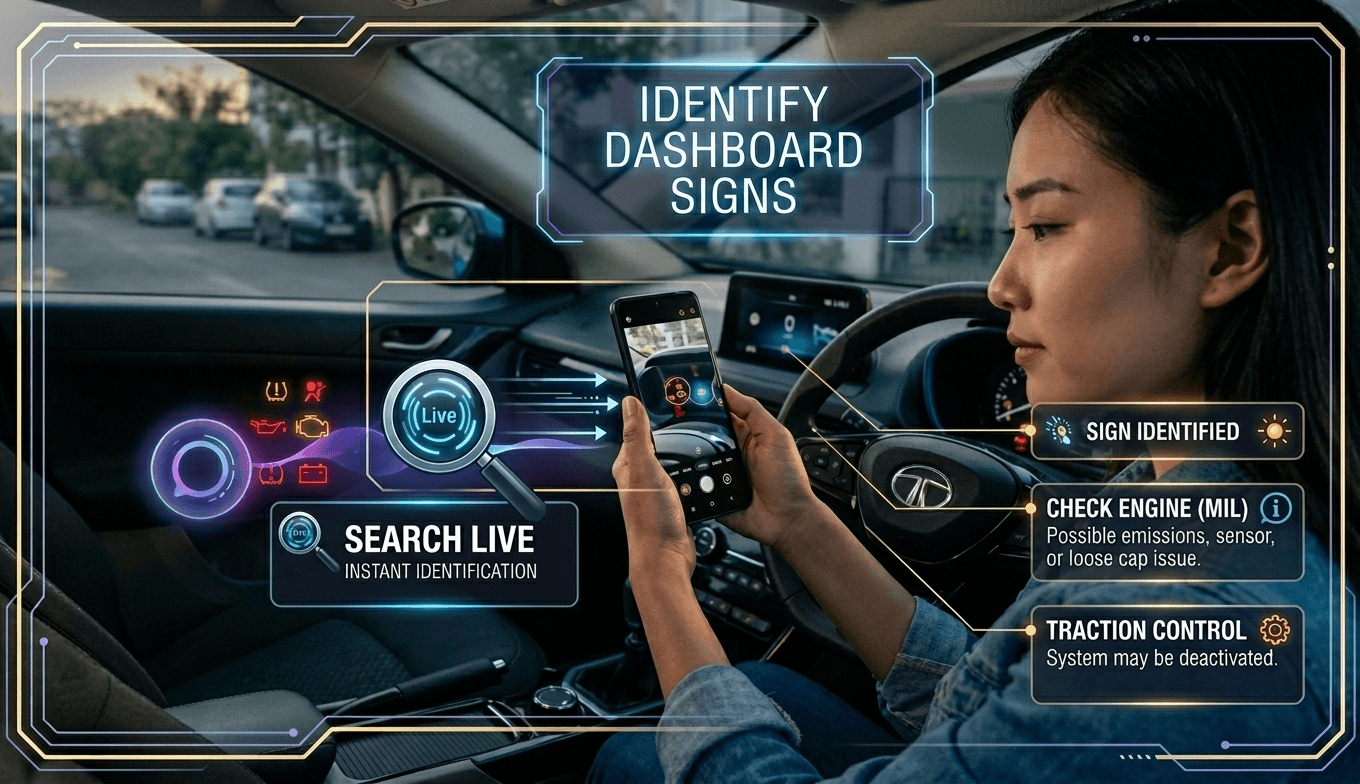
This is where things get simple. Search Live and similar tools use your phone’s camera along with AI to instantly recognize what you’re looking at — no typing, no guessing, no manual required.
Here’s how it works: open up the Search Live feature (or something like Gemini Live), point your camera directly at the symbol lit up on your dashboard, and let the app do its thing. Within seconds, it’ll tell you what the icon means and generally what you should do about it. Google Lens, the regular Google app, and Bing all offer similar visual-search capabilities if you want to compare results or don’t have Search Live handy.
It’s honestly one of those features that feels like magic the first time you use it — no more frantically Googling “orange car symbol triangle exclamation point” while stopped at a red light.
What If You’re Driving and Can’t Use Your Camera?
Totally fair — snapping a photo while you’re behind the wheel isn’t exactly safe. In that case, just talk it out. Ask Google Assistant or Siri instead. Describe what the icon looks like — its color, its shape, any text you can make out — and your voice assistant will do its best to explain what it means and suggest next steps. It’s not quite as precise as a visual scan, but it’s a safe and solid option when your hands need to stay on the wheel.
Want a More Exact Answer? Try a Dedicated Car App
If you want something a notch more reliable than a visual guess, apps like Car Scanner ELM OBD2 or Torque Pro are worth looking into. These plug directly into your car’s onboard computer system and pull the actual fault codes your vehicle is generating. Instead of an AI making an educated guess based on an image, you get the real diagnostic data straight from the source — accuracy you can trust.
How Worried Should You Actually Be? Understanding the Color Codes
Here’s the thing — not every warning light means “pull over now.” Knowing the color coding can save you a lot of unnecessary panic, or help you catch something serious before it snowballs:
- Flashing red — This is the “stop everything” signal. It usually means something could fail mechanically at any moment. Don’t keep driving if you see this — pull over safely as soon as you can.
- Solid red — Still serious, but maybe not “pull over on the highway” serious. Think brake issues, oil pressure problems, or an overheating engine. Get it looked at soon.
- Yellow or orange — Consider this your car gently tapping you on the shoulder. It’s not screaming at you, but it wants you to get things checked before it becomes a bigger deal.
- Blue or green — Nothing to worry about here. These just let you know a feature’s turned on, like your high beams or cruise control.
The Bottom Line
At the end of the day, tools like Search Live are genuinely handy for quickly figuring out what’s flashing at you from your dashboard. They’re fast, they’re easy, and honestly, they take a lot of the mystery (and mild anxiety) out of driving. But if something feels serious — especially anything glowing red — it’s still worth pulling out the owner’s manual and double-checking. Better safe than stranded on the side of the road.
Read Also:
Spread Some Love
Author