Table Of Content
- What is Tesla Car Wash Mode?
- What happens when you turn it on?
- Step-by-Step: How to Enable Car Wash Mode
- The Free Roll Secret: Using Automatic Conveyor Washes
- How to use Free Roll:
- Why You Can't Just Use Neutral
- Model-Specific Nuances (2026 Updates)
- 1. Model Y Juniper (2026 Refresh)
- 2. Cybertruck
- How to Exit Car Wash Mode
- The Risks: What Happens if You Forget?
- 10 Common Mistakes to Avoid
- FAQ on Tesla Car Wash Mode
- Can I take my Tesla through a touch car wash with brushes?
- Does Car Wash Mode protect my cameras?
- Is Car Wash Mode available on older 2018 Model 3s?
- Conclusion: Making Car Wash Mode a Habit
The Ultimate Guide to Tesla Car Wash Mode: Protect Your EV in 2026
If you are new to the Tesla ecosystem, you might wonder why a car needs a specific software mode just to get cleaned. After all, for a century, we’ve driven gas cars into car washes without a second thought.
However, with EVs becoming popular and mass produced, the care and maintenance needs to be assessed accordingly. Unlike big diesels or gasoline powered ICE vehicles, you cant drive up your EV or Tesla to a car wash, jet spray the hell out of it, and expect your vehicle to perform like nothing ever happened.
A Tesla is a computer on wheels packed with sensitive ultrasonic sensors, cameras, and an automated charge port that can be easily confused by high-pressure water and spinning brushes. In this guide, we’ll explore the Tesla Car Wash Mode, why it’s a non-negotiable for owners, and how to use it safely in everything from a touchless wash to the 2026 Juniper Model Y updates.
What is Tesla Car Wash Mode?
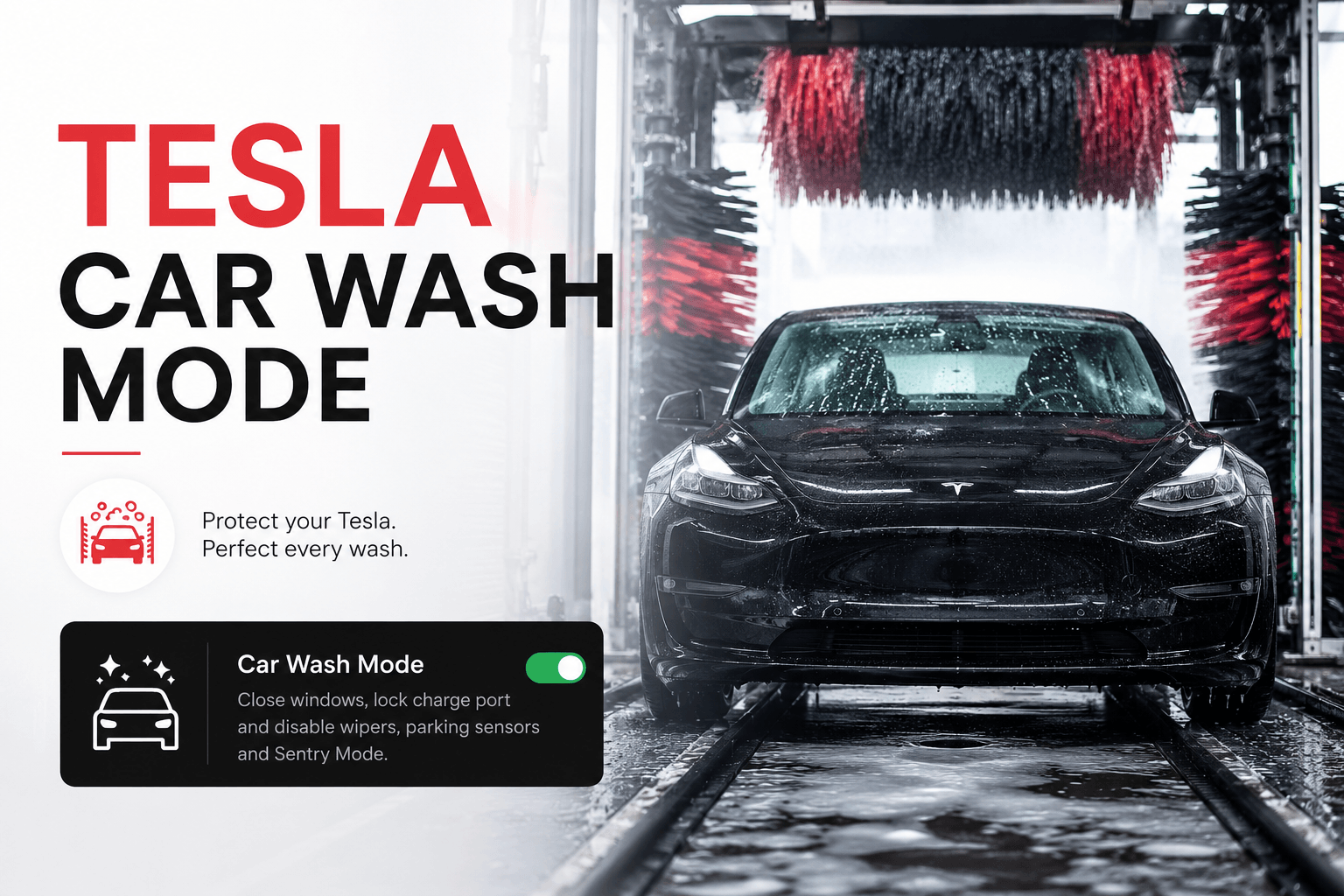
Introduced via an over-the-air (OTA) update in 2021 and refined through 2026, Car Wash Mode is a dedicated software state that prepares your vehicle for a car wash by executing a dozen safety commands simultaneously.
Think of it as Sleep Mode for your car’s exterior sensors. When activated, the car seals itself, ensuring that water, soap, and mechanical brushes don’t trigger accidental damage or interior leaks.
In other words, when you switch on the mode, the car knows what’s coming next- water hurling at powerful speeds and trying to get into its deepest darkest corners.
What happens when you turn it on?
- Window Lock: Ensures all windows are rolled up and stay up, even if a brush hits the glass.
- Charge Port Lock: Prevents the charge port from popping open (a common issue with high-pressure water).
- Wiper Disable: Turns off Auto Wipers so they don’t get ripped off by brushes.
- Walk-Away Door Lock Disable: Keeps the car unlocked even if you walk away with your phone.
- Sentry Mode Disable: Prevents the car from recording a threat and blaring the alarm during the wash.
- Sensor Chime Mute: Stops the car from screaming at you about obstacles (the brushes) during the wash.
This ensures that your Tesla, regardless of the model you own, does not get damaged during a car wash.
Step-by-Step: How to Enable Car Wash Mode
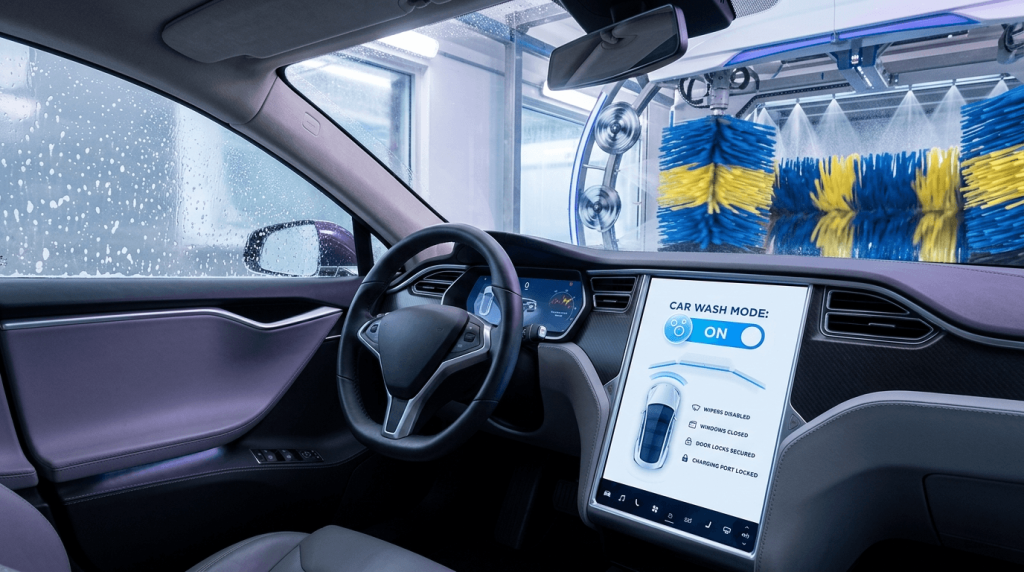
Whether you own a Model 3, Model Y, Model S, or Model X, the path is the same:
- Shift into Park: The mode cannot be enabled while the car is in motion.
- Tap the Car Icon: Access the main Controls menu on the touchscreen.
- Go to Service: Select the Service tab.
- Tap Car Wash Mode: The screen will turn blue, indicating the mode is active.
- Confirm Activation: A checklist will appear showing Green for all sealed systems.
If you are new to the Tesla ecosystem, try to practice this a few times, until you get the hang of it. There are numerous Reddit and Subreddit threads that talk about how Tesla owners faced harrowing nightmares at commercial car washes, since they did not listen to the instructions of the Tesla Car Wash Mode.
The Free Roll Secret: Using Automatic Conveyor Washes
This is the part where most new owners get stuck. If you are entering a car wash that pulls your car along a conveyor belt, your Tesla must be in Neutral.
In a Tesla, putting it in Neutral isn’t as simple as moving a gear stalk. You must use the Enable Free Roll button inside the Car Wash Mode menu.
How to use Free Roll:
- Once Car Wash Mode is on, press the brake pedal.
- The Enable Free Roll button will turn white/active on the screen. Tap it.
- The car will now shift into Neutral.
- Critical: You can now stay in the car or exit (if it’s a full-service wash), and the car will remain in Neutral without applying the electronic parking brake.
If you stay close to a car wash that does not use a conveyor type set up, it is best that you can go ahead with it. If you can avoid conveyor belt set ups, your Tesla will thank you for it.
In addition to the Tesla car wash mode, you need to make sure that the Enable Free Roll button is also activated.
Why You Can’t Just Use Neutral
Some owners try to bypass Car Wash Mode by just shifting into Neutral. This is a major mistake for three reasons:
- The Auto-Wiper Risk: If the car is in Neutral but not Car Wash Mode, the auto-wipers remain active. If they trigger mid-wash, they will likely be bent or broken.
- The Charge Port Vulnerability: Without the lock, the pressure of the water jets can fool the sensor into thinking you’ve tapped the charge port to open it.
- The Seat Sensor: If you shift to Neutral and get out of the seat (at a full-service wash), the car will automatically shift back to Park, potentially causing the conveyor belt to jump or damage your tires.
You don’t want your Tesla to get damaged and that is why, as compared to other cars, the Neutral mode wont work here. Make sure you are mindful of both- putting the car in Tesla car wash mode, and enabling the Free Roll button.
Model-Specific Nuances (2026 Updates)
1. Model Y Juniper (2026 Refresh)
The 2026 Model Y refresh features a more robust seal system. Owners have reported that the new ambient lighting strips inside the cabin turn a soft blue when Car Wash Mode is active, providing a visual cue for the occupants.
2. Cybertruck
For the Cybertruck, Car Wash Mode is even more critical. Because the stainless steel doesn’t have a clear coat, soap residue can stain if not rinsed properly. The Cybertruck’s version of Car Wash Mode also closes the tonneau cover automatically if it was left open.
How to Exit Car Wash Mode
Once the wash is complete and you are ready to drive away:
- Manual Exit: Tap the Exit button on the touchscreen.
- Auto Exit: Simply drive away. Once the car exceeds 10 mph (16 km/h), Car Wash Mode automatically disables itself, re-enabling Sentry Mode and your auto-wipers.
The Risks: What Happens if You Forget?
Tesla’s official New Vehicle Limited Warranty has a specific clause: Damage caused by car washes is not covered.
If you forget Car Wash Mode and your wiper motor burns out or your charge port is snapped off, you could be looking at a repair bill between $500 and $1,500 out of pocket.
10 Common Mistakes to Avoid
- Enabling it while charging: It won’t work. Unplug first.
- Leaving the windows vented: Car Wash Mode will not automatically roll up windows if they are open more than a crack; you must ensure they are closed manually first.
- Forgetting Fold Mirrors: There is a separate button for this in the menu. In 2026, some models auto-fold in Car Wash Mode, but always double-check.
- Exceeding 10 MPH in the Tunnel: This will kick you out of the mode and potentially engage the brakes.
- Using Screen Clean Mode Instead: Screen Clean Mode only locks the touchscreen; it doesn’t protect the exterior of the car.
- Not using it for Hand Washes: Even if you wash at home, use the mode to keep the charge port closed and wipers still.
- Leaving Sentry Mode on: It can drain 1-2% of your battery during a long wash line.
- Forgetting the Free Roll: This is the #1 cause of conveyor belt jams at car washes.
- Leaving phone mounts on the exterior: If you have a suction-cup GoPro or mount, Car Wash Mode can’t save it!
- Ignoring the Blue Banner: If the screen isn’t blue, you aren’t in Car Wash Mode.
FAQ on Tesla Car Wash Mode
Can I take my Tesla through a touch car wash with brushes?
Yes, but Tesla (and most detailers) recommend Touchless washes to prevent swirl marks on the soft paint.
Does Car Wash Mode protect my cameras?
It doesn’t physically cover them, but it ignores their input so the car doesn’t try to brake or swerve away from the approaching brushes.
Is Car Wash Mode available on older 2018 Model 3s?
Yes! As long as you have updated your software to version 2021.24 or later.
Conclusion: Making Car Wash Mode a Habit
At evauthority.net, we always say that the best way to maintain your Tesla’s value is through preventative care. Tesla Car Wash Mode is one of the most brilliant “peace of mind” features the company has ever released. By taking 5 seconds to enable it, you protect your sensors, your warranty, and your paint.
Next time you pull up to the wash, look for the blue screen. Your Tesla will thank you.
Spread Some Love
Author